Google Play Screenshots
Screenshot each composition below, then resize to your preferred Play Store dimensions.
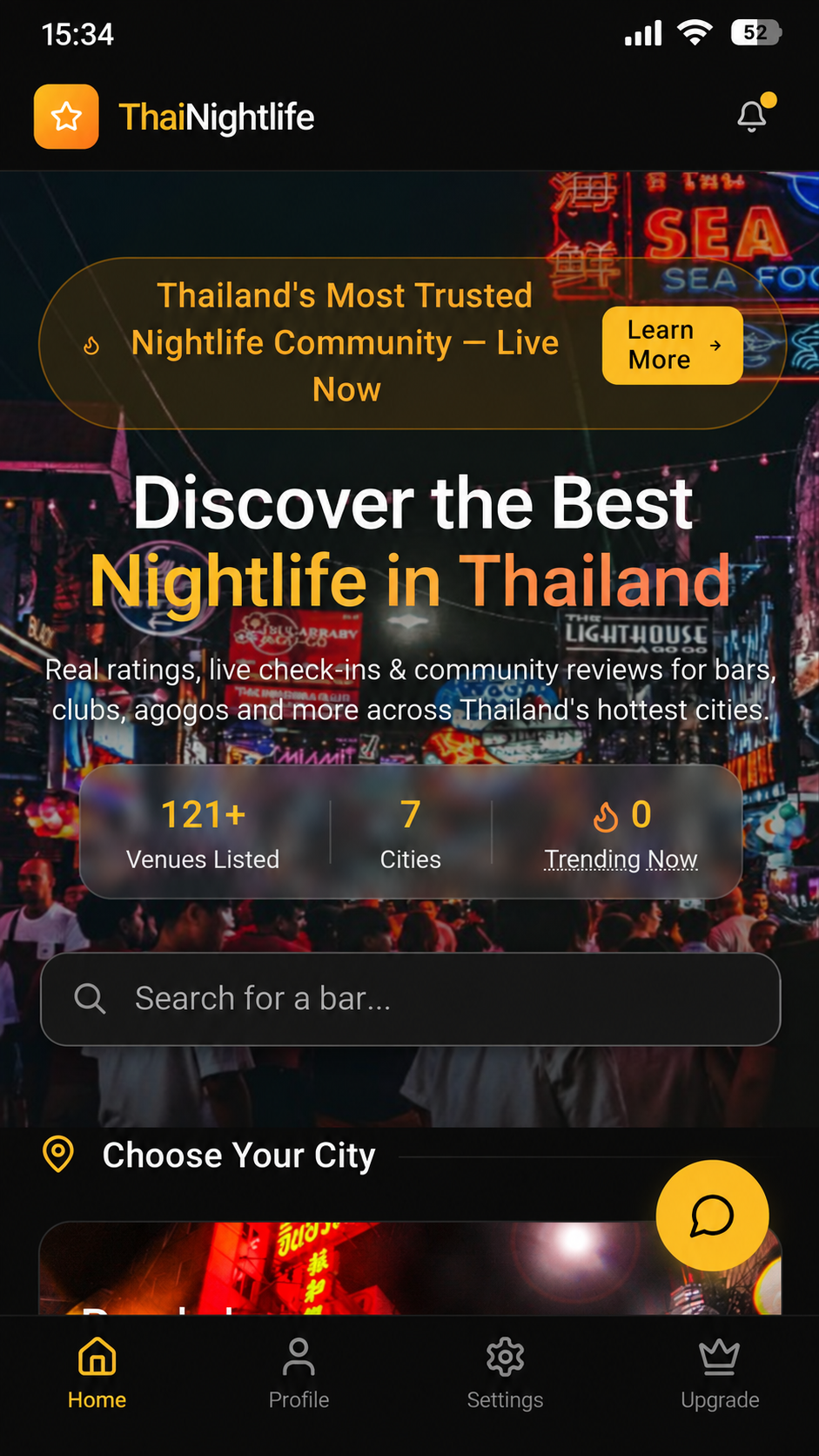
Screenshot 1 — Home
ThaiNightlife
Discover the Best Nightlife in Thailand
Real ratings, live check-ins & community reviews
1
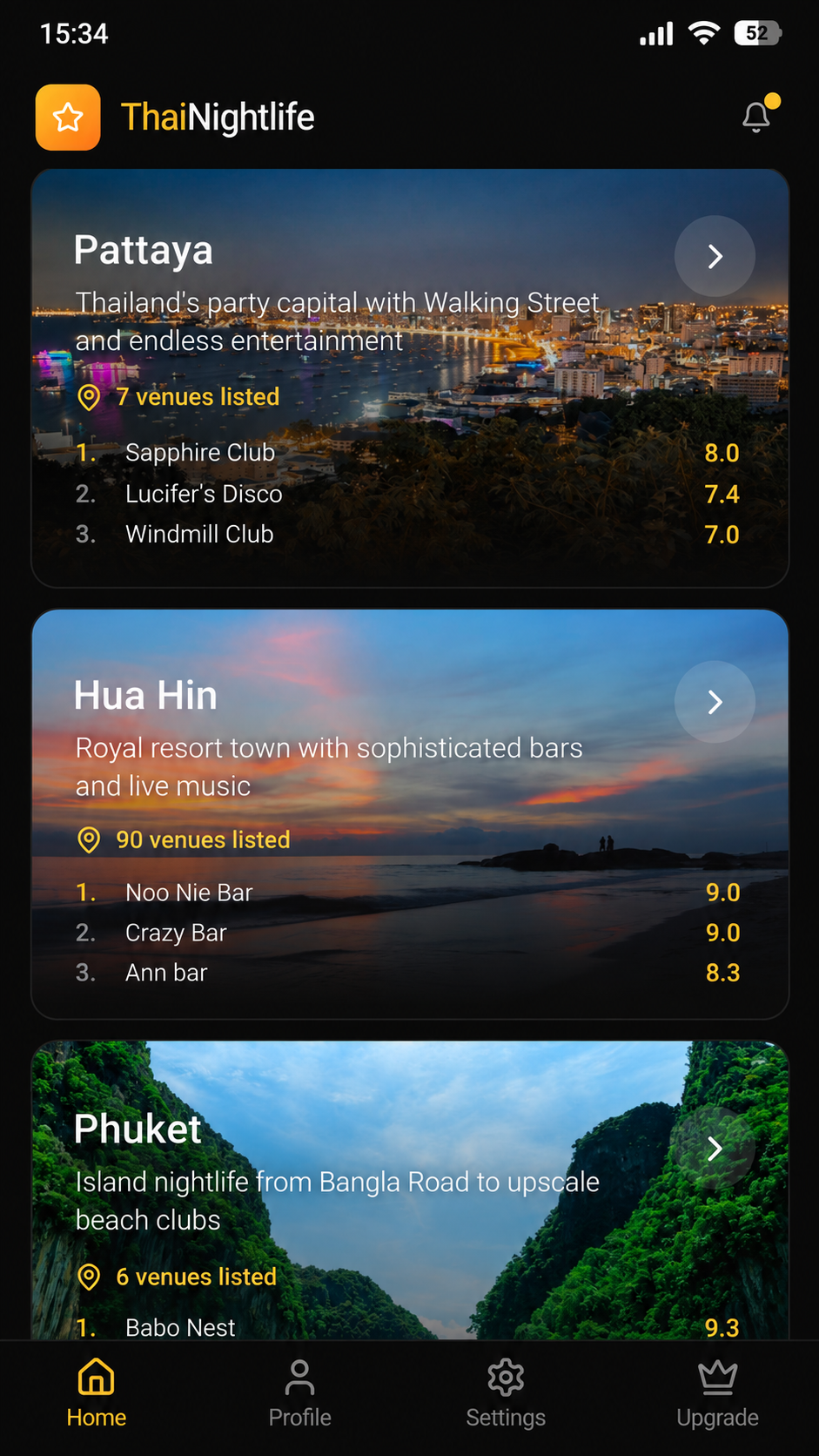
Screenshot 2 — Choose Your City
ThaiNightlife
Explore 7 Cities Across Thailand
Bangkok, Pattaya, Phuket, Chiang Mai & more
2
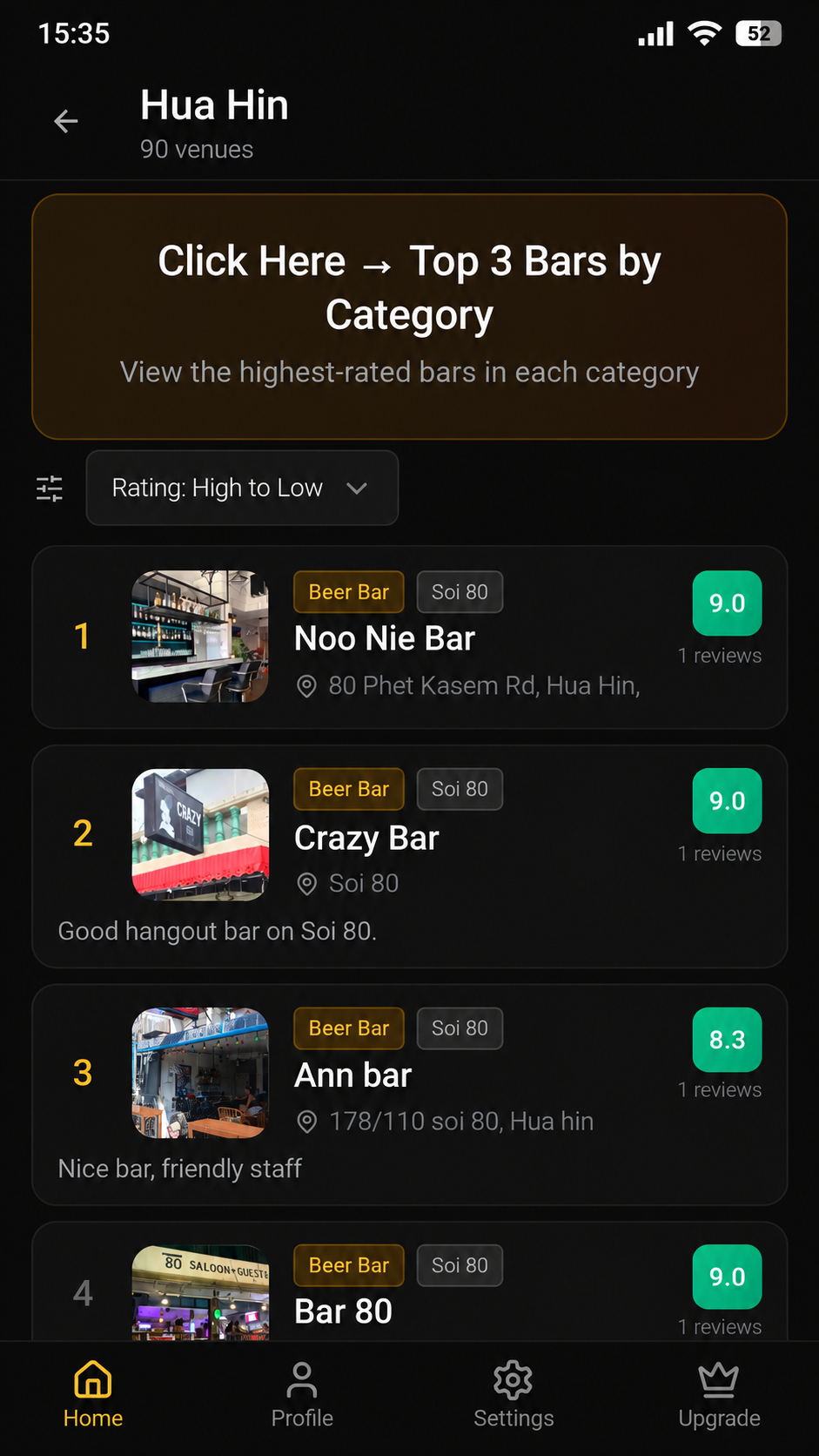
Screenshot 3 — Venue List — Hua Hin
ThaiNightlife
Top-Rated Venues, Ranked
Find the best bars in every city
3
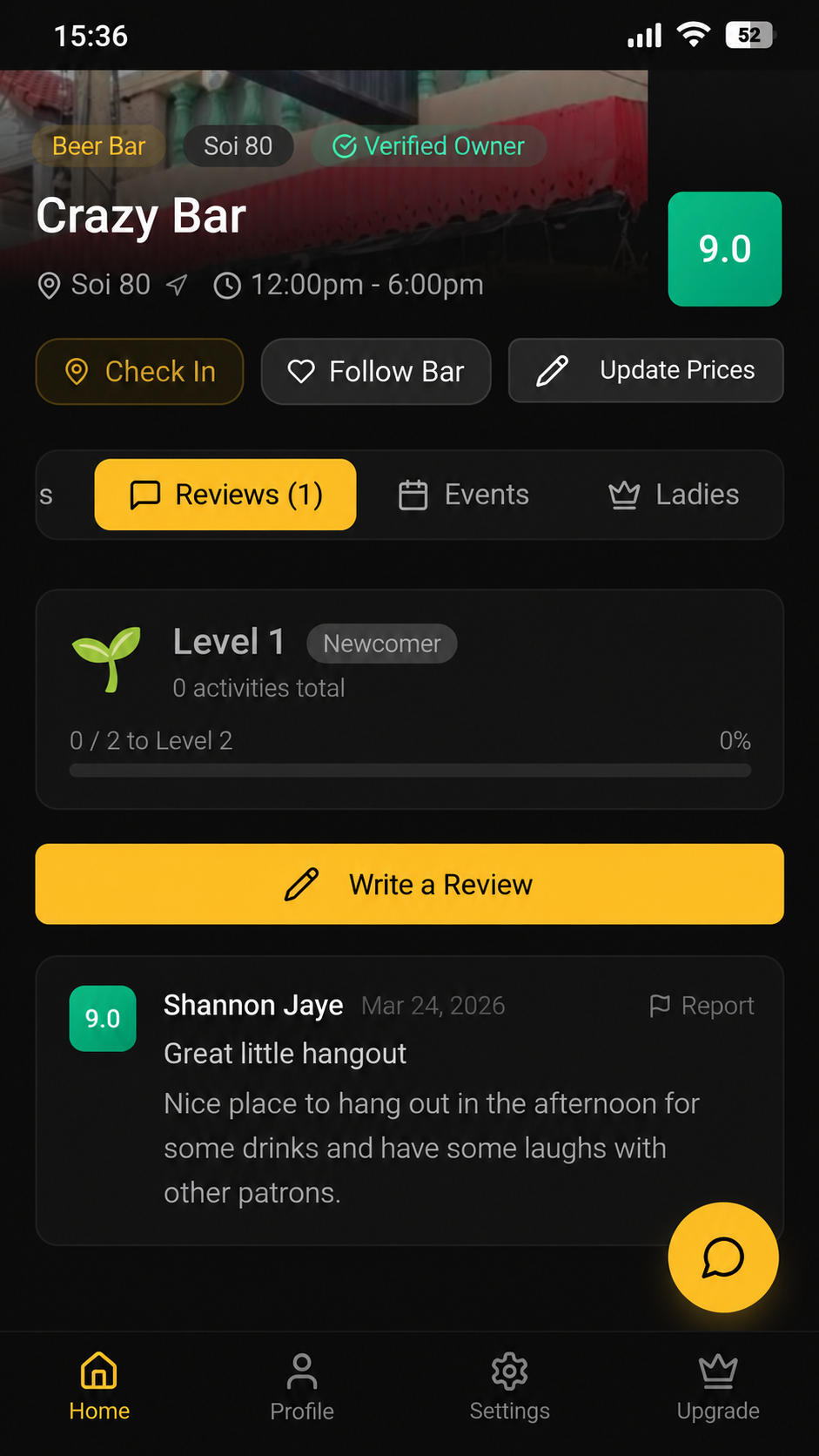
Screenshot 4 — Venue Detail — Reviews
ThaiNightlife
Honest Community Reviews
Real experiences from real travellers
4
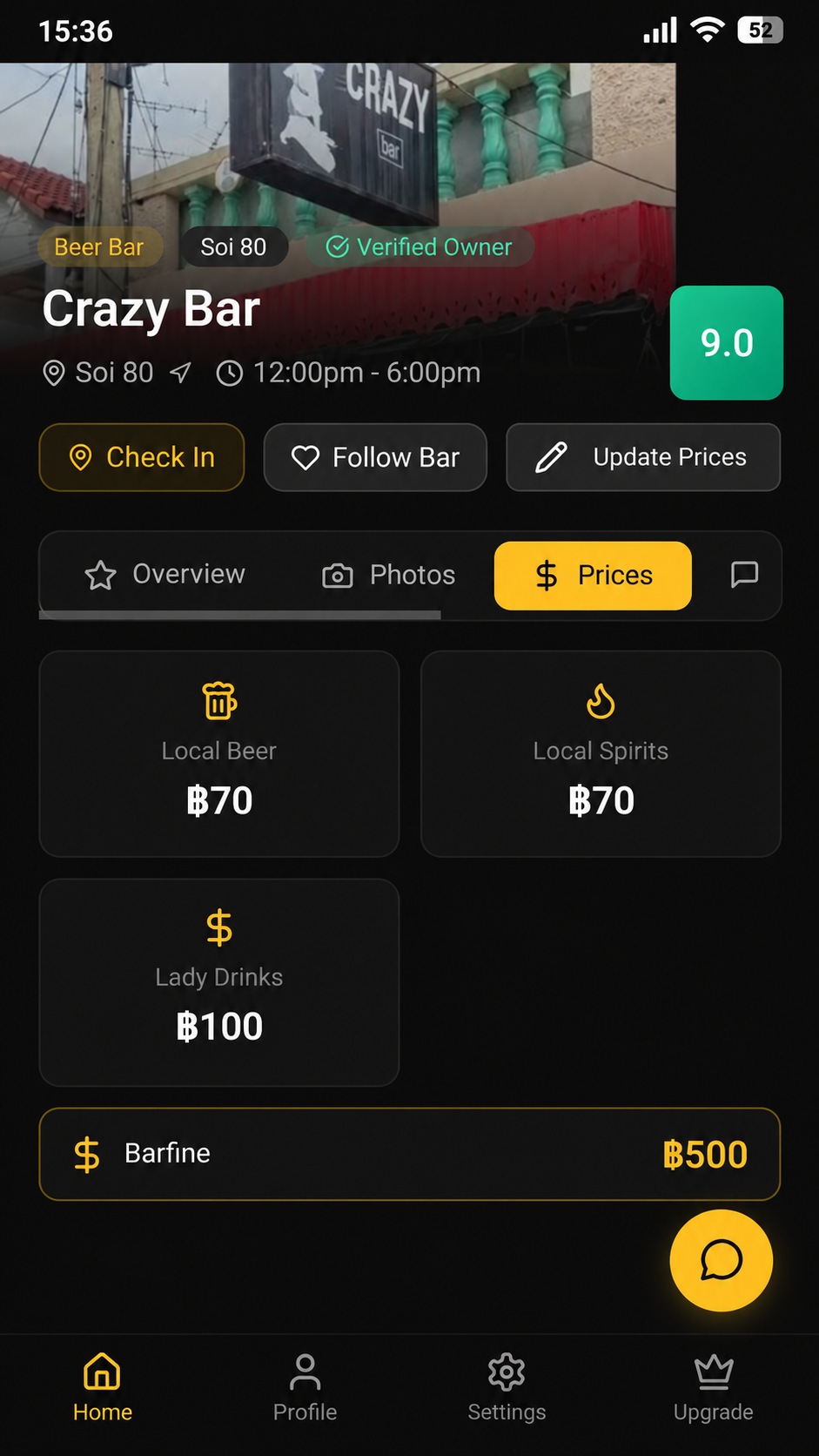
Screenshot 5 — Venue Detail — Prices
ThaiNightlife
Know the Prices Before You Go
Beer, spirits, lady drinks & barfines in THB
5
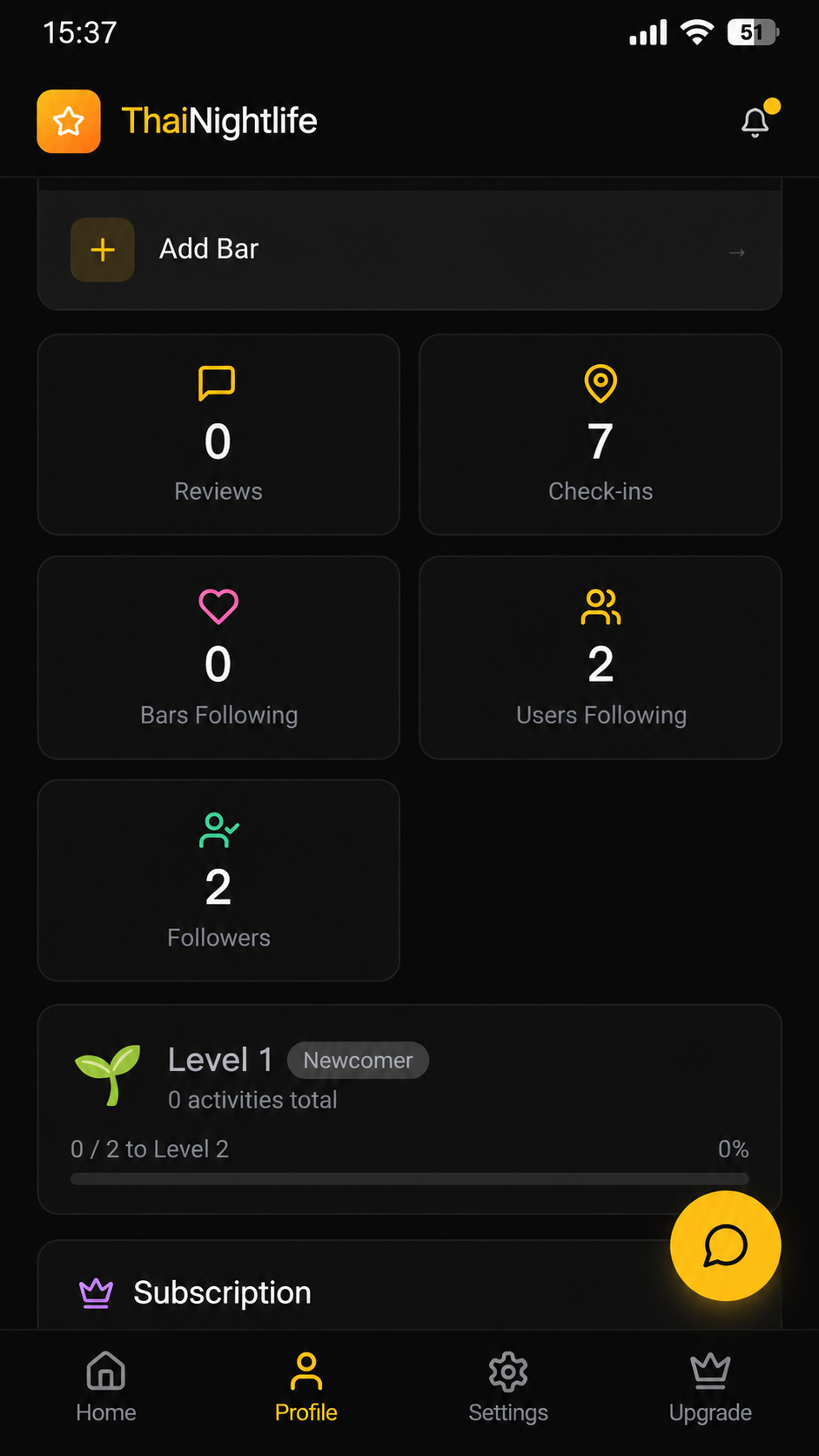
Screenshot 6 — Profile
ThaiNightlife
Track Your Nightlife Journey
Check-ins, reviews, followers & levels
6
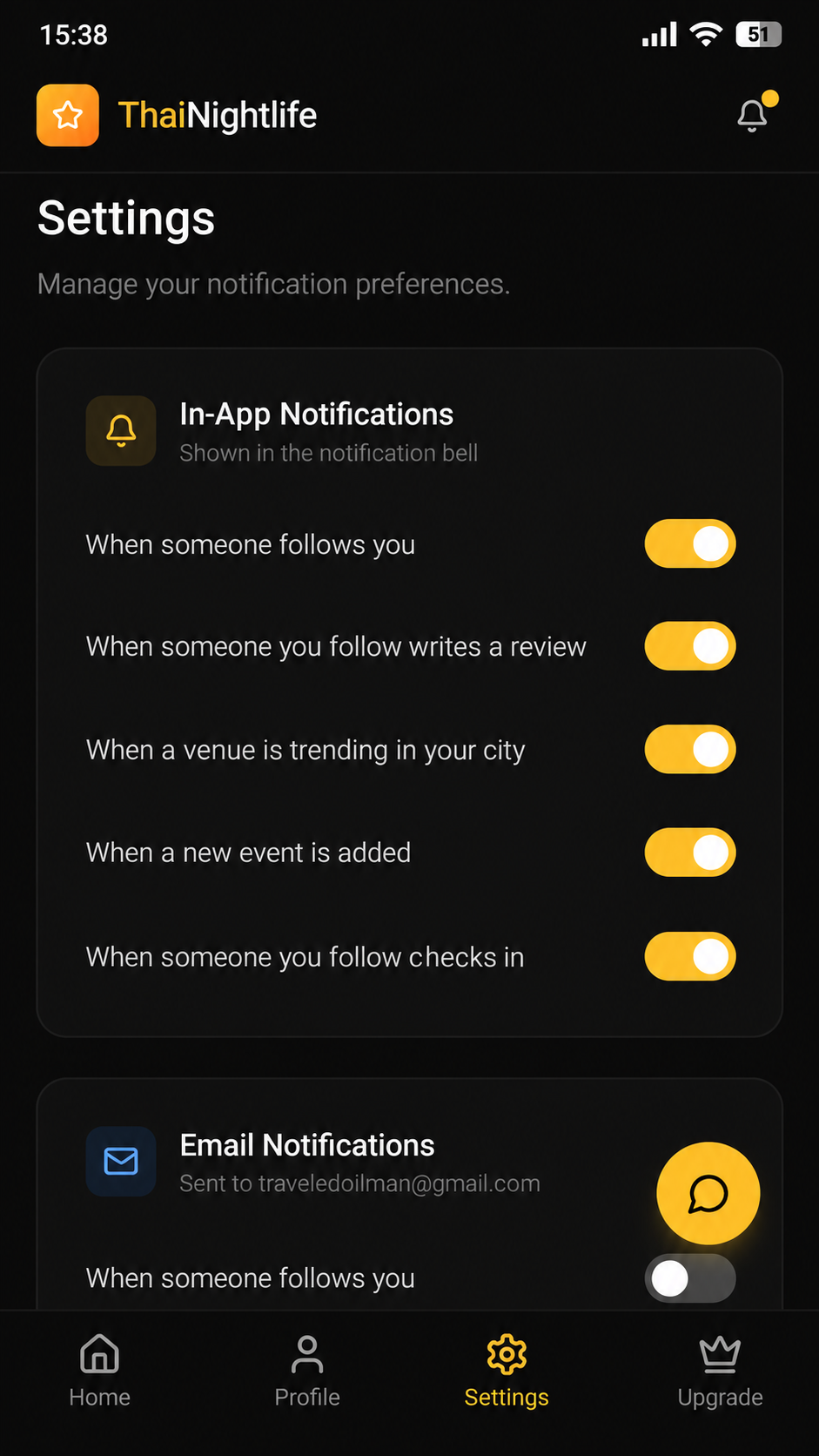
Screenshot 7 — Settings
ThaiNightlife
You're in Control
Manage notifications and preferences
7
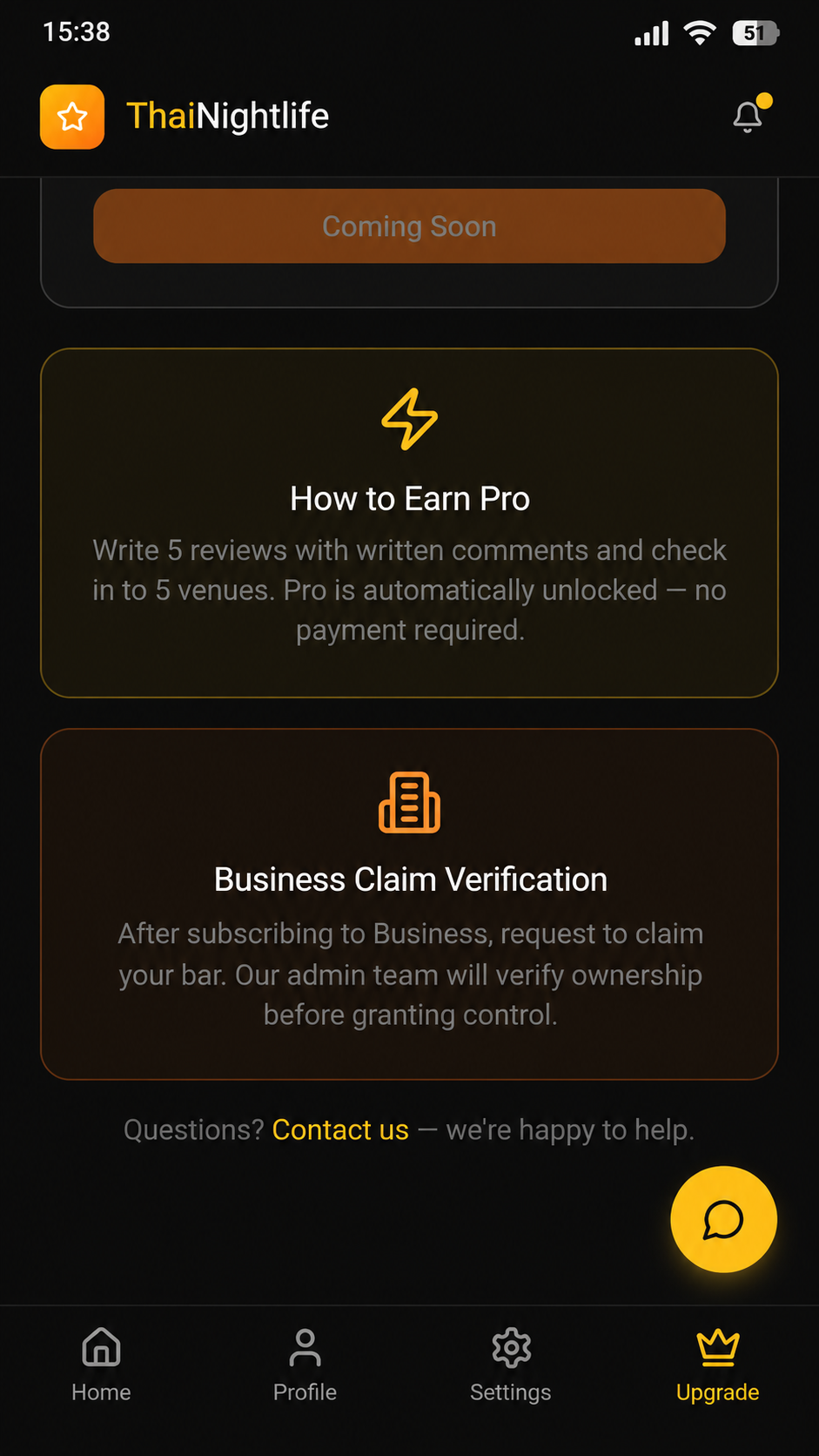
Screenshot 8 — Upgrade — Earn Pro
ThaiNightlife
Earn Pro — No Payment Needed
5 reviews + 5 check-ins unlocks Pro
8
How to use these
- • Toggle between Captioned Layouts and Clean Captures above.
- • Each composition is sized at 1080×1920 (portrait) — ideal for Google Play.
- • On desktop: right-click each composition and screenshot it, or use your OS screenshot tool.
- • On mobile: take a screenshot of each composition in fullscreen scroll.
- • Resize or crop as needed before uploading to the Play Console.